1
Upload or capture a patient smile photo
Start from a clear smile photo inside the practice workflow.
Dentavera is designed to help dental teams move from photo to visual explanation in a clean, fast, practice-ready workflow.
The workflow is built to stay simple enough for repeated everyday use across the team.
Start from a clear smile photo inside the practice workflow.
Gum Health, Aligners, Veneers, Whitening, or Delayed Care.
Choose Side-by-Side or Single Result for the conversation.
Use Precision Notes for Aligners and Veneers guidance. Use Additional Notes where helpful for delayed-care conversations.
Generate an educational visual preview for chairside review.
Use the result during the visit, in follow-up, or as a clean export.
Choose the presentation format that fits the moment.
Best for chairside patient education, before/after comparison, case discussion, and visual explanation.
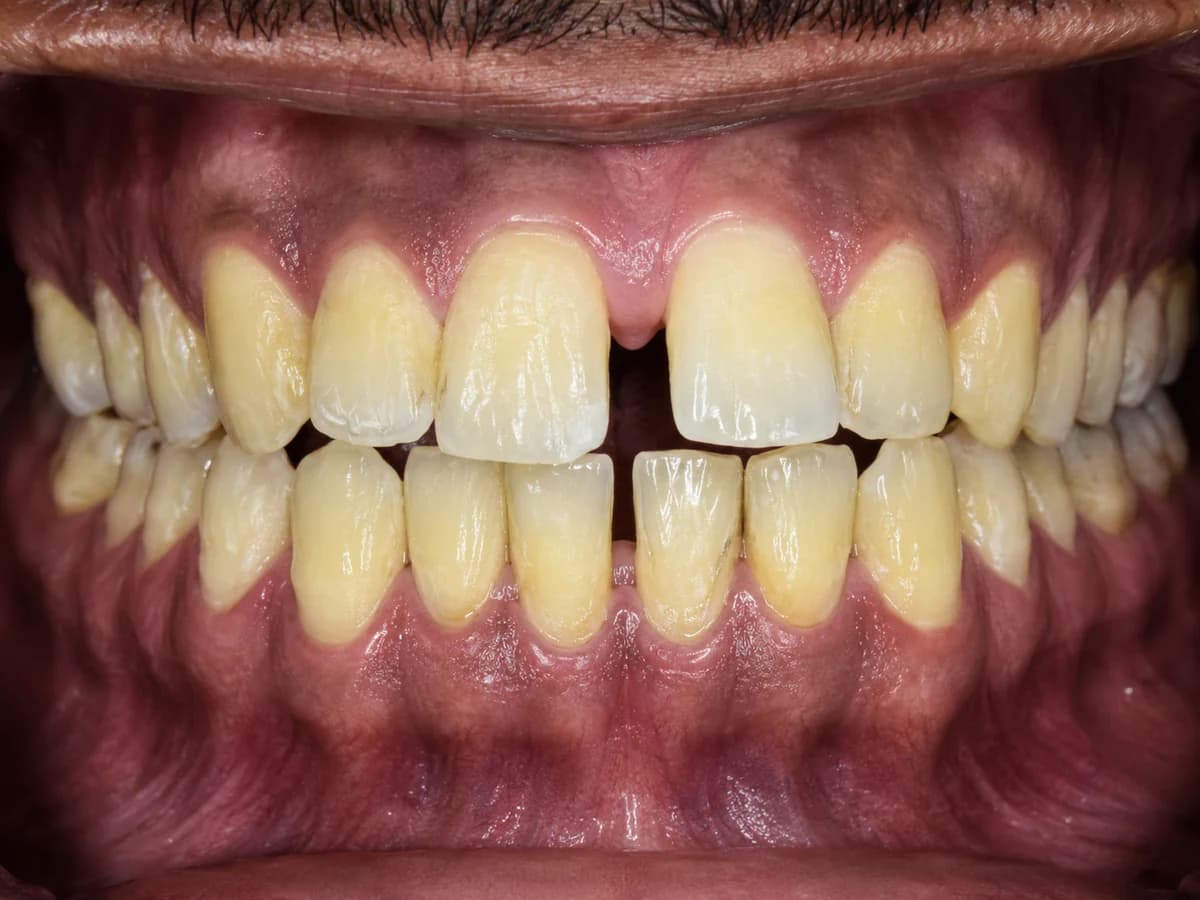
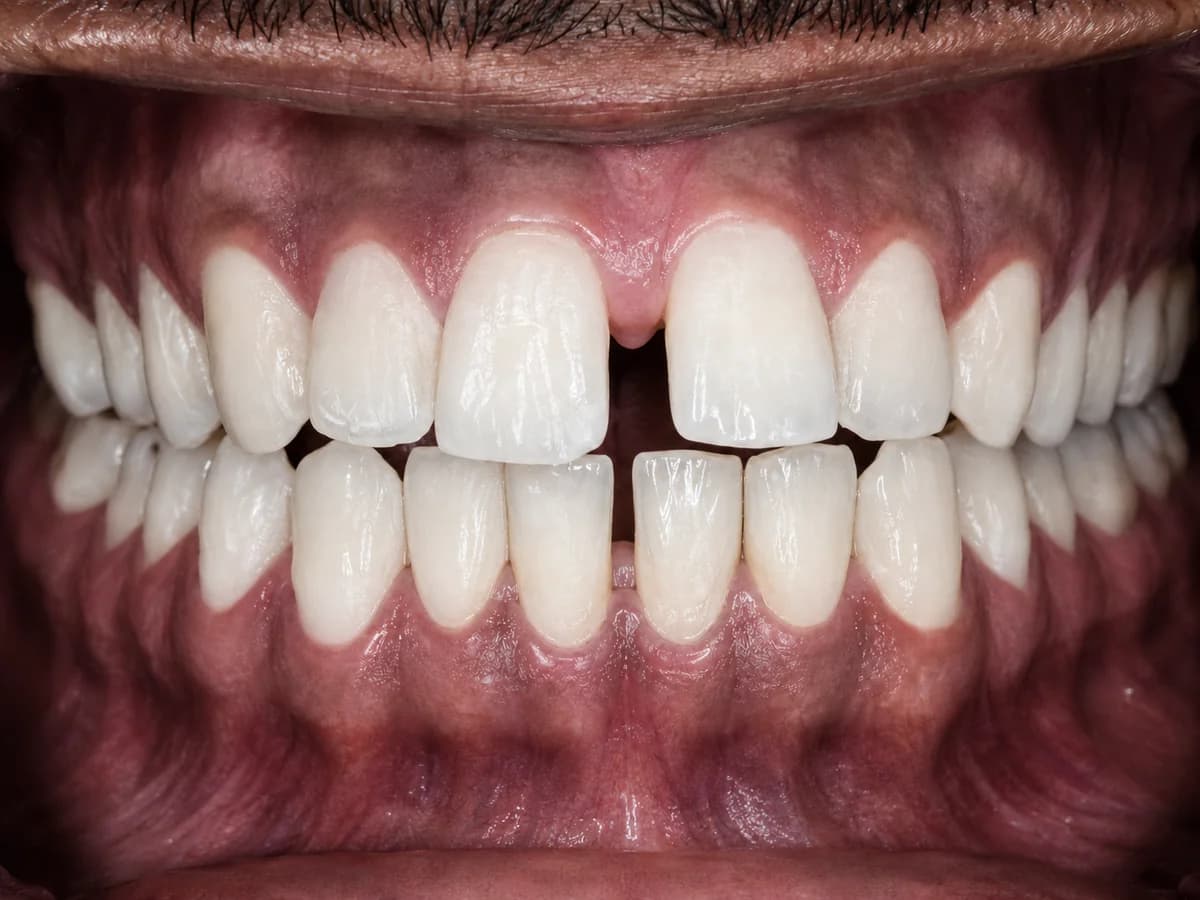
Best for clean final preview, exporting, printing, patient follow-up, and presentation.
Finished image labels
The display label should not automatically use the login email. It should come from account settings.