Gum Health
BeforeAfter
Training, workflow guidance, and implementation resources are being developed to help DentaVera Pro teams use visual simulations confidently across hygiene, doctor exams, treatment coordination, and follow-up.
Quick Start Training
Start using DentaVera Pro with confidence.
DentaVera Pro helps dental teams turn treatment recommendations into clear visual previews patients can better understand, trust, and act on. Short training videos are being developed to help your team understand the platform and begin using Care Views during real patient conversations.
Upload a photo, choose a Care View, and generate your first simulation.
Learn how to introduce Gum Health, Aligners, Veneers, Whitening, and Delayed Care previews during patient conversations.
Use visual previews during the appointment, at checkout, and in follow-up conversations.
Chairside Review Guides
Care View guides are being created to help your team explain treatment visually, set clearer expectations, and support better patient understanding.
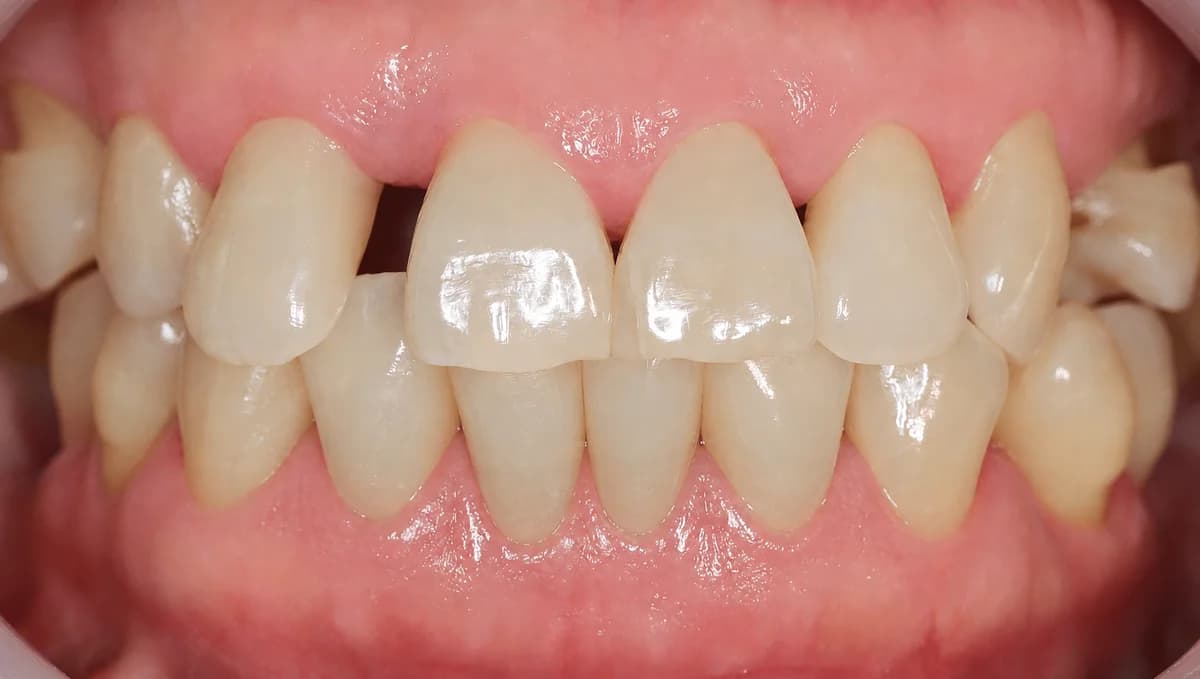
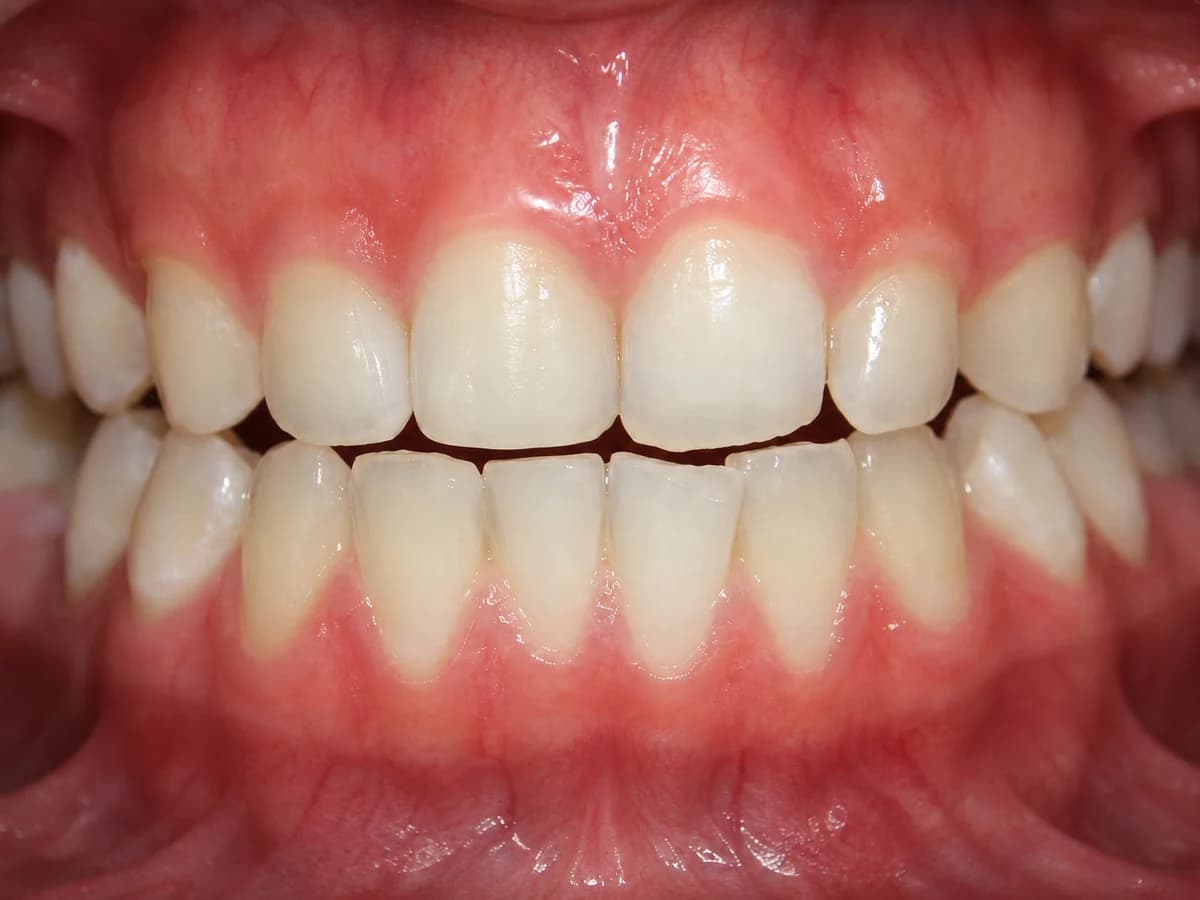
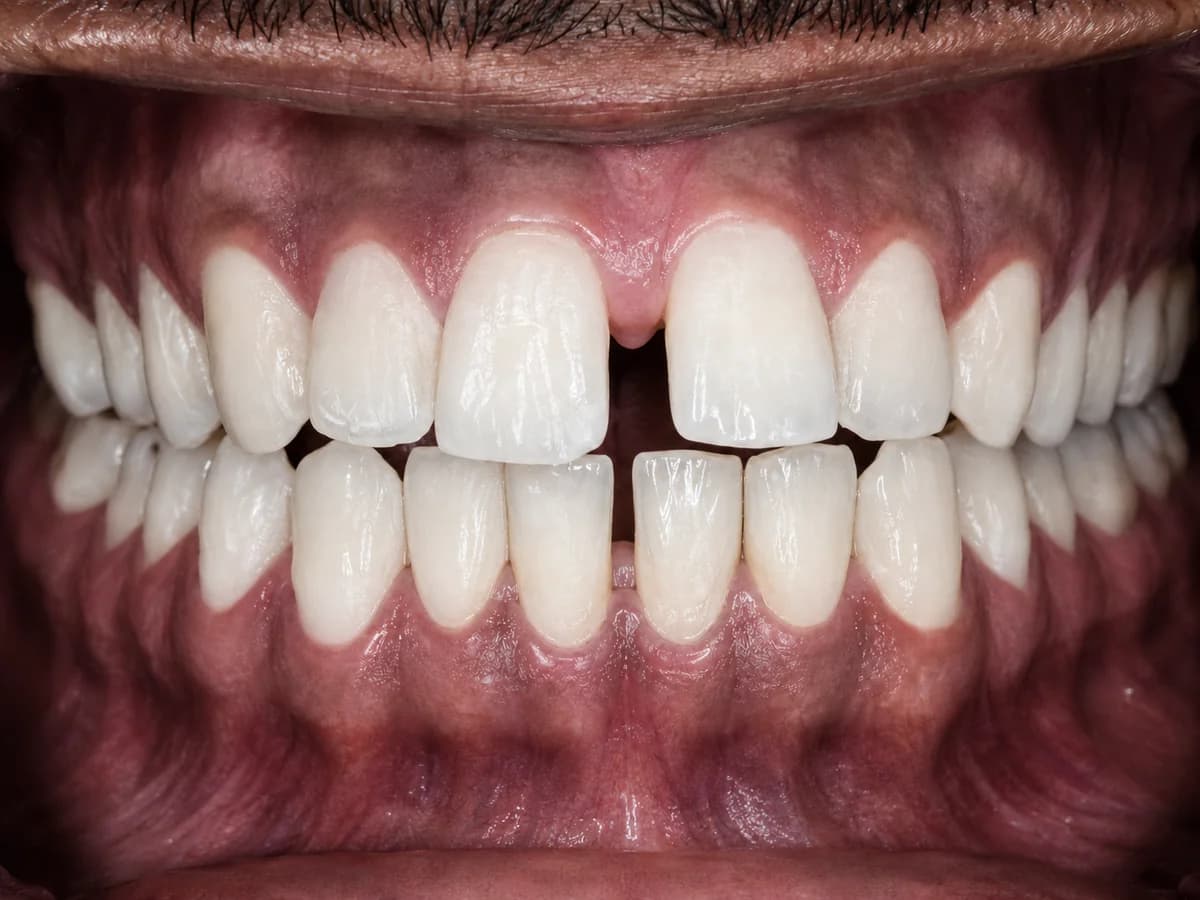
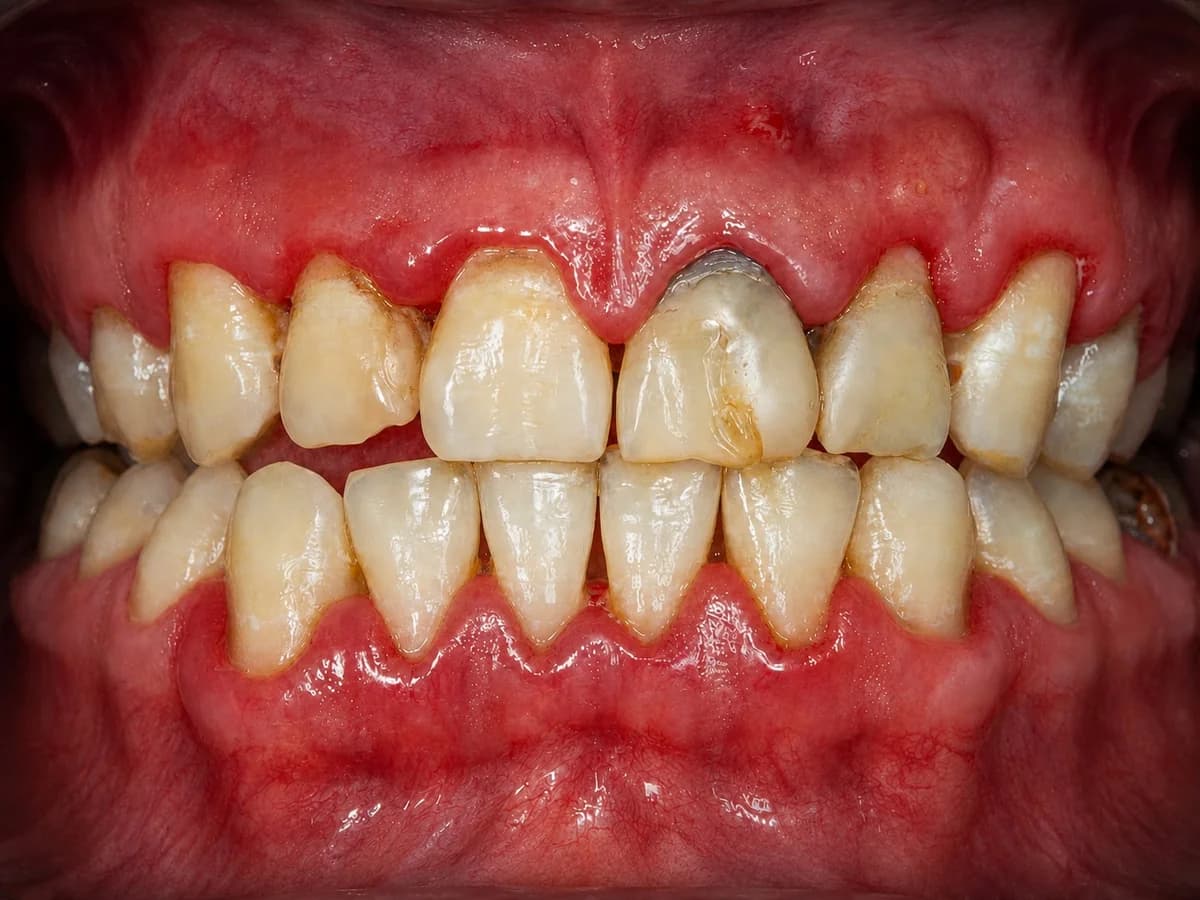
Simulate how gums and teeth may appear after professional gum-health care, with reduced visible redness and cleaner tooth surfaces.
View GuidePreview a possible appearance with aligners for crowding, spacing, and bite position.
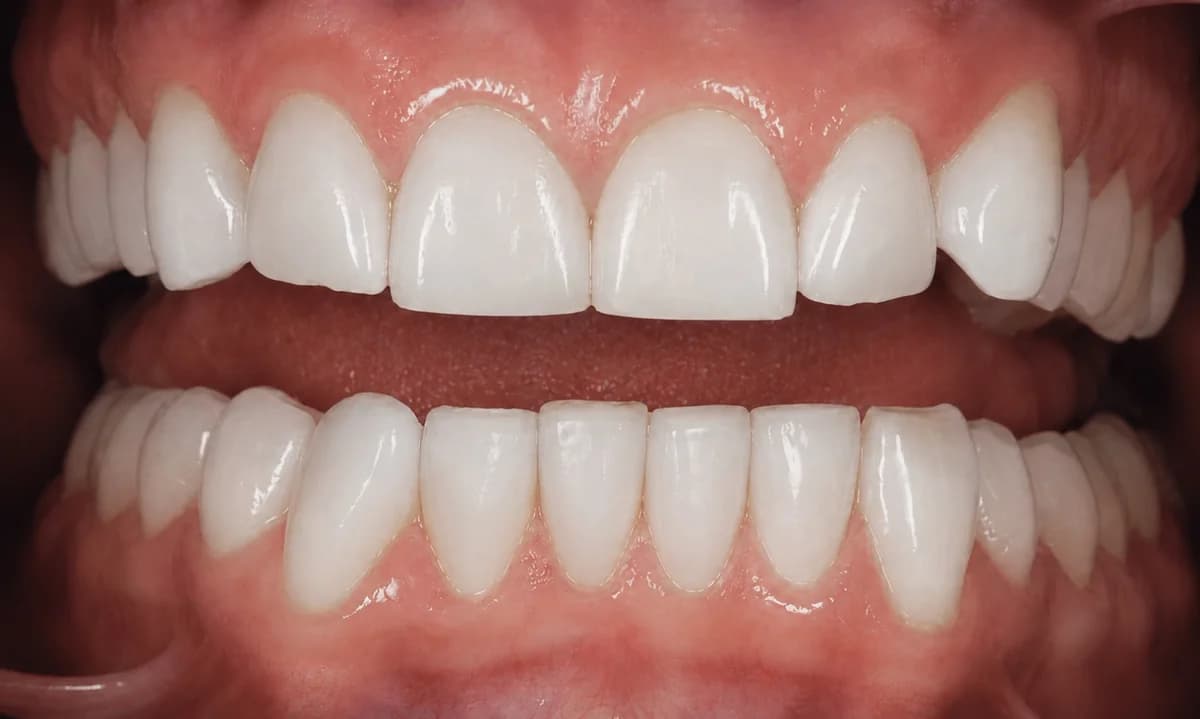
View GuideShow a possible appearance with veneers for patient education and treatment conversations.
View GuideShow simulated whitening improvement with a natural-looking shade change.
View GuideShow simulated changes that may occur when care is delayed.
View GuidePractice Implementation
Implementation resources will help your team use visual simulations consistently from hygiene findings to doctor recommendations, treatment coordination, and follow-up.
Help hygienists use Gum Health and Delayed Care visuals to bridge findings back to doctor-led treatment conversations.
Support clearer diagnosis explanations and treatment recommendations using realistic visual previews.
Use simulations to reinforce value, answer questions, discuss next steps, and support scheduling.
Use saved or exported previews so patients can revisit the conversation after the appointment.
Help doctors, hygienists, assistants, and front office teams understand when and how to use DentaVera Pro.
Case Presentation & Closure
Resources are being developed to help teams present care clearly, build patient trust, and support case acceptance through understanding — not pressure.
Implementation Video Library
Short videos for practical training and office rollout.
Coming Soon
Downloadable Practice Tools
Train your team, guide patient conversations, and create clearer visual consultations with tools built for case acceptance, patient understanding, and practice productivity.